The Weekly Briefing / Week 44 · Oct 26–Nov 1
A week of headlines in.One anime briefing out.
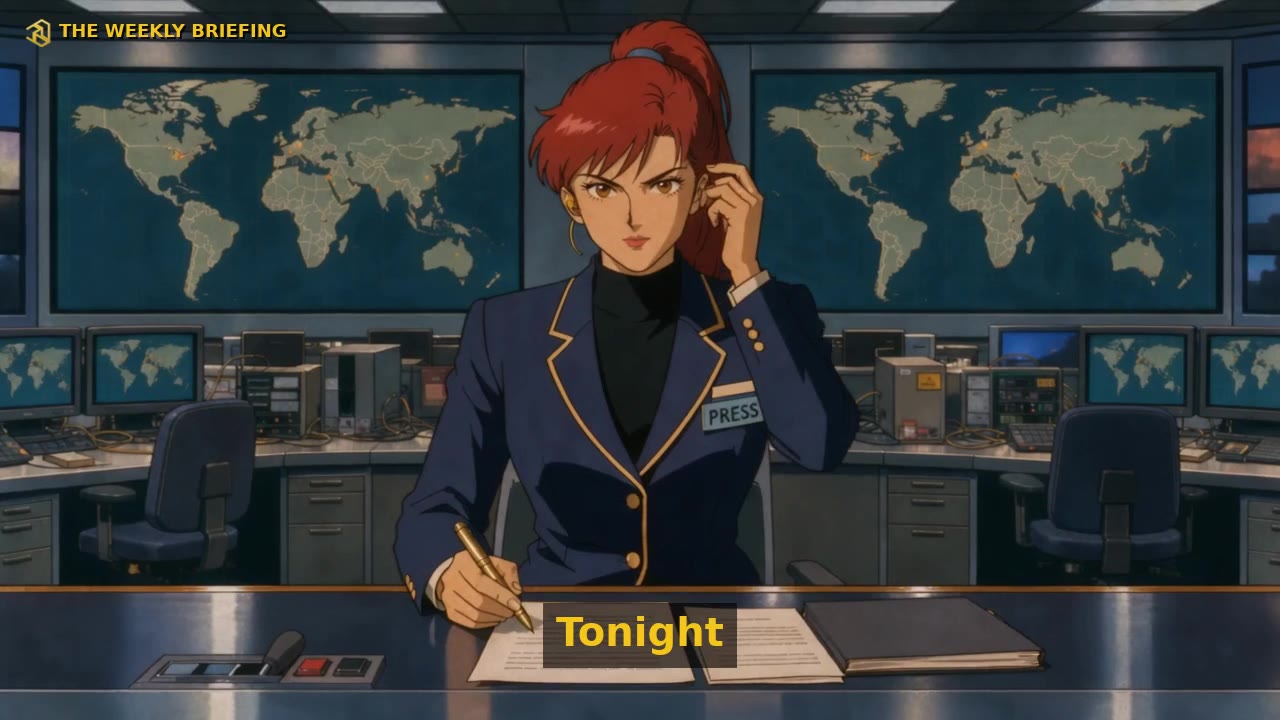
Every week, five headlines, one episode. Anime News writes the storyboard, renders a start frame and a Seedance shot for every beat through Comfy Router, and cuts it like an anime briefing. It runs on your machine with your own Comfy API key.
- 15
- 17
- 0
- 5
Rundown
How it works
- 01
Headlines
Paste a headline or a week's worth of headlines, plus the article text or link if you have it. Pick a length from 30 seconds to 5 minutes.
- 02
Storyboard
One writer call turns it into a cast, scenes and shots: a deadpan anchor, the thesis, the absurd literal cutaways. Edit any of it.
- 03
Stills + Seedance shots
Every shot gets its own FLUX start frame, then a Seedance clip: talking takes with their own voice, action takes with motion.
- 04
Anime cut
About 15 cuts a minute, subtitles, music riser and drop, title card. No source moment is shown twice. 16:9 and 9:16.
Run it yourself
Three commands
$ brew install uv ffmpeg$ uvx --from "git+https://github.com/iamnolanhu/anime-news#subdirectory=packages/engine" anime-news serve$ uvx --from "git+https://github.com/iamnolanhu/anime-news#subdirectory=packages/engine" anime-news make "Mayor bans Mondays"